Display ZIP file contents as a clean, interactive folder tree with secure file previews directly in the Gutenberg editor and on the front-end. No manual extraction required.
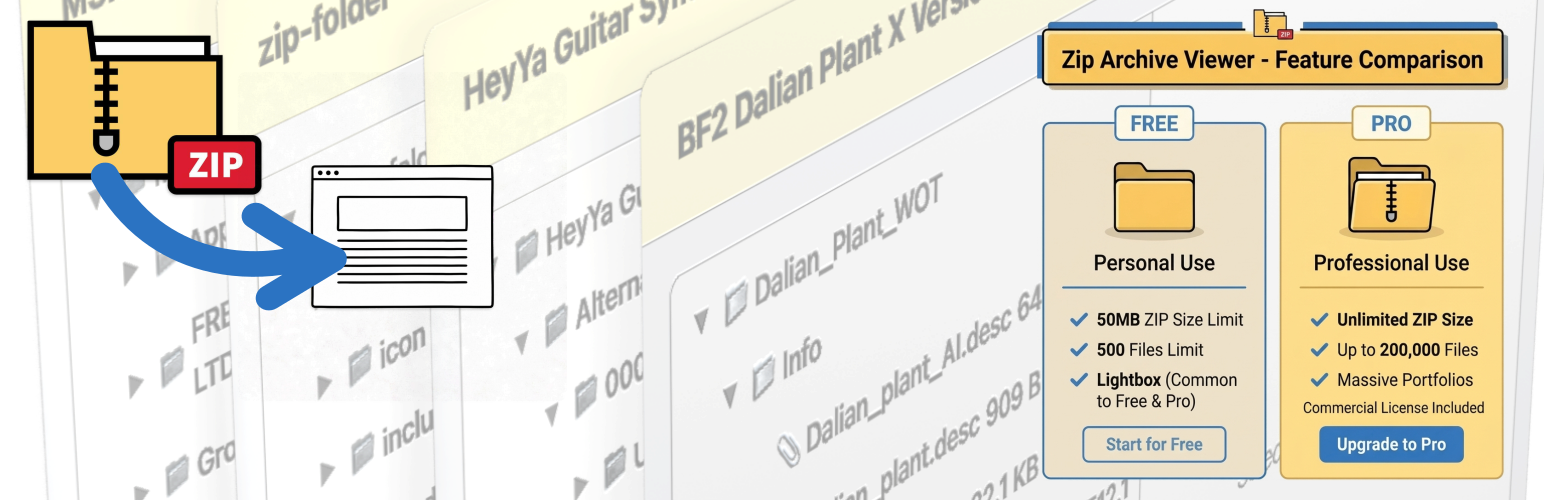

Manually creating dozens of media blocks and file lists on your website to mirror a zip archive, or forcing users to download massive archives just to view a single file.
Upload a single ZIP. The block handles extraction and displays a fully navigable, expandable directory hierarchy. Users preview source code, PDFs, images, and media directly in the browser.
Whether you're sharing academic assessment archives, student portfolios, data repositories, or creative media kits.
Navigable, expandable directory structures that mimic a native operating system explorer for intuitive browsing.
Preview PDFs, code files, images, videos, and audio directly in a safe popup/frame without leaving the page.
Hardened security layer (combined .htaccess and WordPress REST Proxy) that prevents unauthorized execution of scripts.
Fully integrated with the WordPress Block Editor (API v3) with zero configuration or complex shortcodes.
Automatically finds existing extractions on the post. Re-use existing ZIP files or scan globally across all posts.
Raw binary streaming via WP REST API for lightning-fast image, audio, and PDF previews without server lag.
Explore how the Zip Archive Viewer renders file trees and handles secure previews on a live WordPress site.
Want to test it yourself? Interact with the live plugin blocks on the author's portfolio page.
Try Interactive Live Demo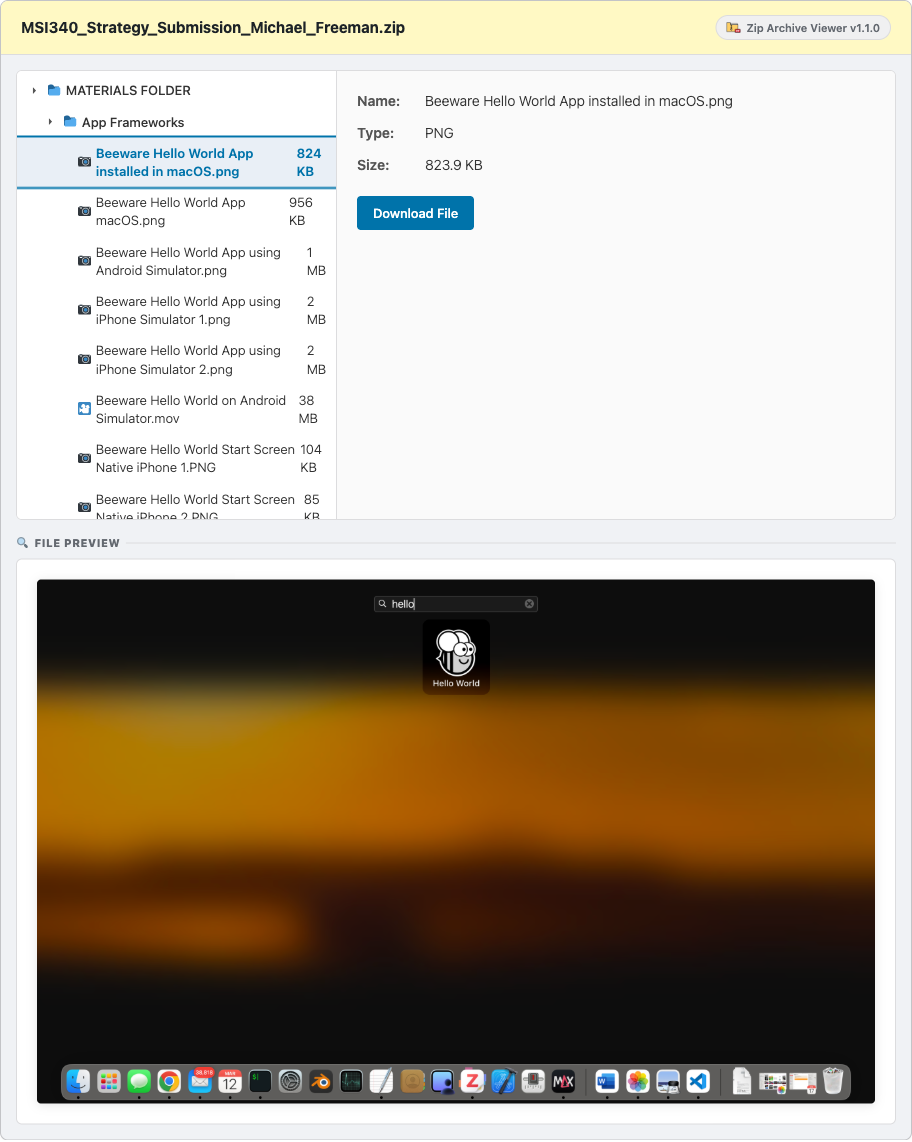
Renders standard image formats (PNG, JPG, WebP) directly inside the responsive media preview pane.
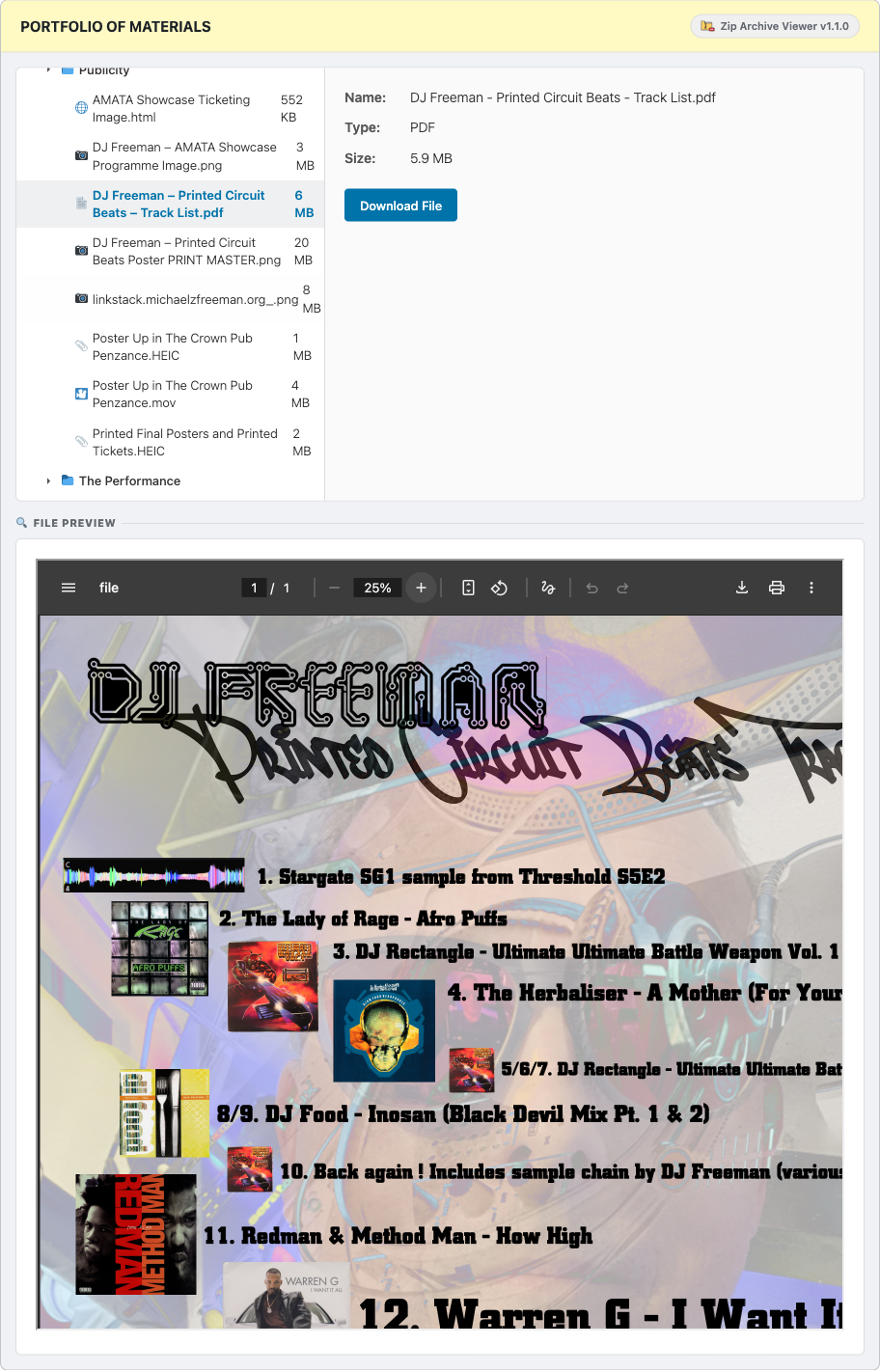
Loads PDF documents securely, supporting multi-page navigation and zoom adjustment without leaving the site.
Hosting user or student-uploaded ZIP archives on a public site is usually a major security risk. We engineered a hardened two-tier safety protocol to eliminate Remote Code Execution (RCE) threats.
When a ZIP file is extracted, a hardened .htaccess configuration is automatically
injected. This instructs the web server to block all direct execution requests for scripts (PHP, HTML,
Javascript, etc.) residing inside the extraction directories.
To safely show source code, templates, or documents, files are never loaded directly. Instead, they are read and streamed via a secure WordPress REST API controller. Code is escaped into safe text strings before rendering, ensuring zero browser execution.
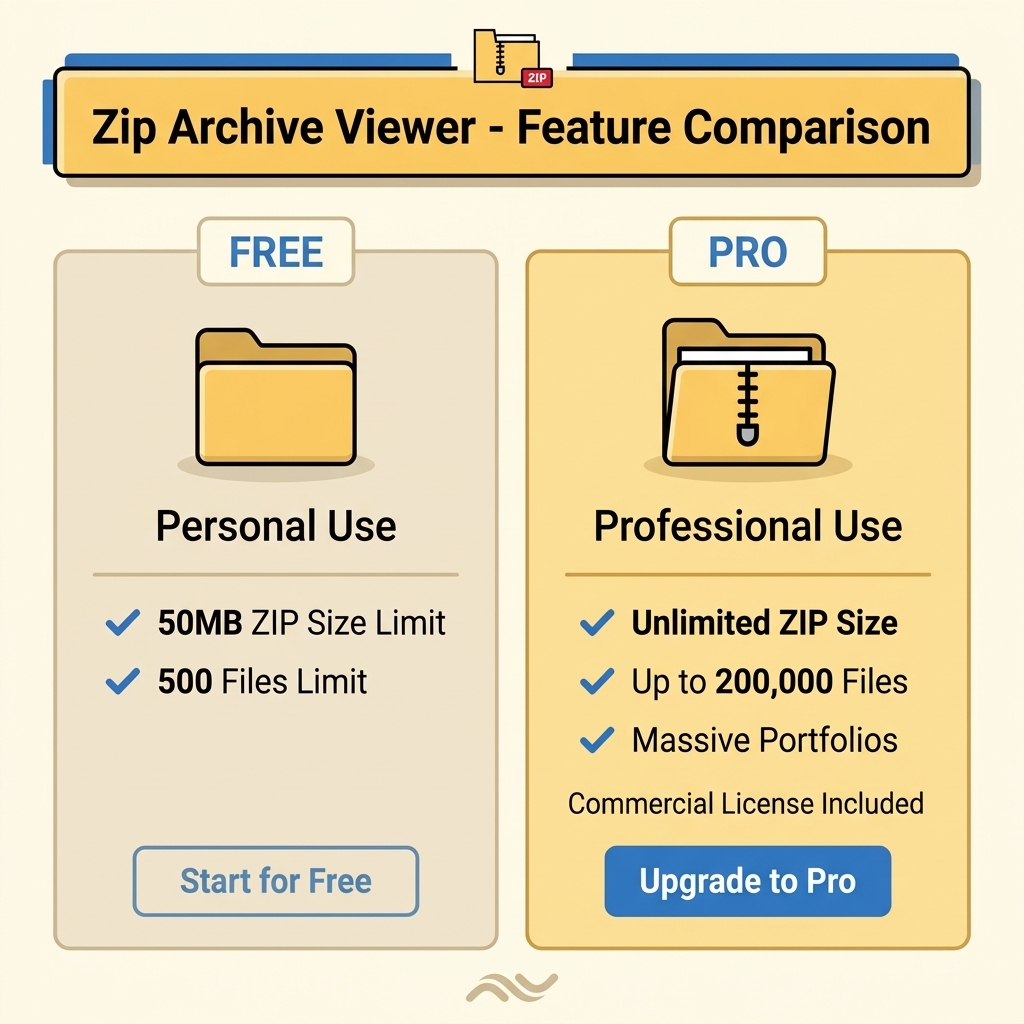
Get started for free or upgrade to the Professional tier for unlimited limits and global capabilities.
Yes. The plugin includes built-in script execution protection. It writes a custom .htaccess
file to the extraction directory blocking direct execution of scripts, and previews are securely proxied
and escaped through a WordPress REST API endpoint. Malicious scripts cannot execute on the server or run
inside the administrator's browser session.
The plugin is designed for modern WordPress systems. It requires at least WordPress 6.0 (tested up to 7.0) and PHP 8.3 (or compatible environments). It utilizes native Gutenberg Block Editor APIs (API v3) and standard server-side ZIP libraries.
In the Free version, you can only discover and select ZIP extractions uploaded directly to the current page. The Professional version unlocks "Global Mode", allowing you to select and display any archive extracted anywhere else on your WordPress website without re-uploading.
Upgrades are handled smoothly via Freemius. Simply go to Settings -> Zip Archive Viewer in your WordPress administrator dashboard, click the **Upgrade** link, and follow the checkout prompt to securely upgrade using Stripe or PayPal. Once upgraded, you can unlock unlimited sizes and features seamlessly.
Get the free version of Zip Archive Viewer and start building clean archives in minutes.